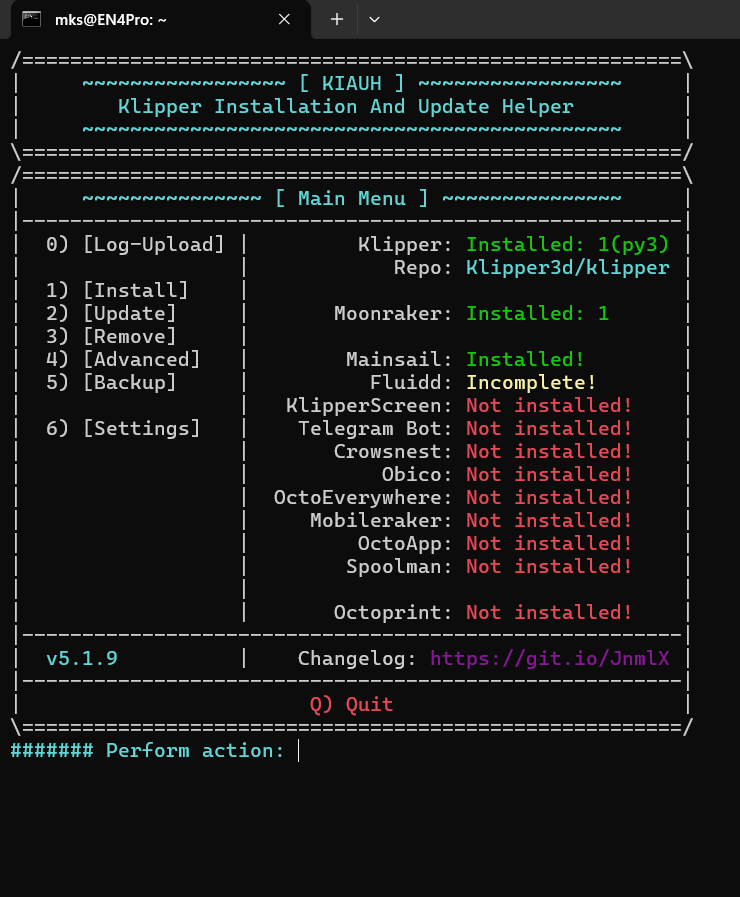
¶ How to Fix “Python 3.8 or Higher is Not Installed” Error
Before following the steps below, please complete these commands first.
Connect to your printer system via SSH using its IP address

1. Open the Debian sources list
Type the following command and press Enter:
sudo nano /etc/apt/sources.list

2. Comment out the existing lines
Inside the file:
• Add # at the beginning of the existing repository lines
• Do NOT delete them
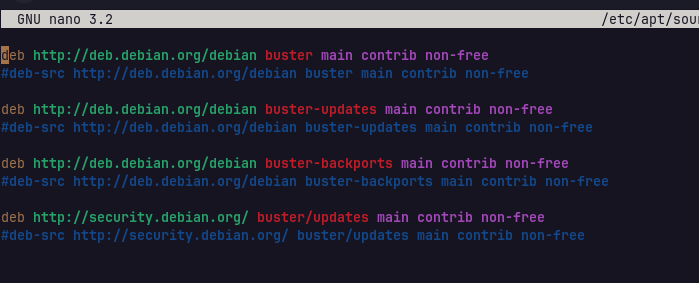
3. Add the following lines below them
deb http://archive.debian.org/debian/ buster main contrib non-free
deb http://archive.debian.org/debian-security/ buster/updates main contrib non-free
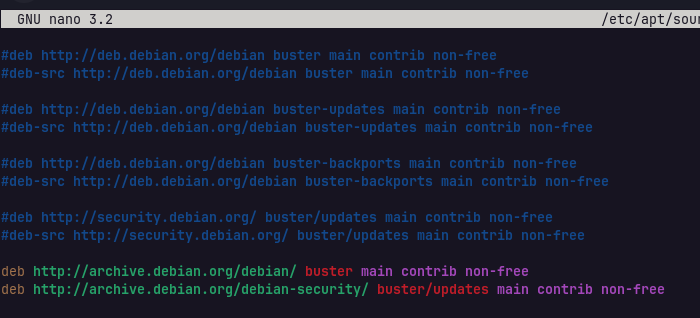
After editing:
• Press CTRL + X

Press Y
Press Enter to save the file

- Update packages and install Git
Run the following command:
sudo apt-get update && sudo apt-get install git -y
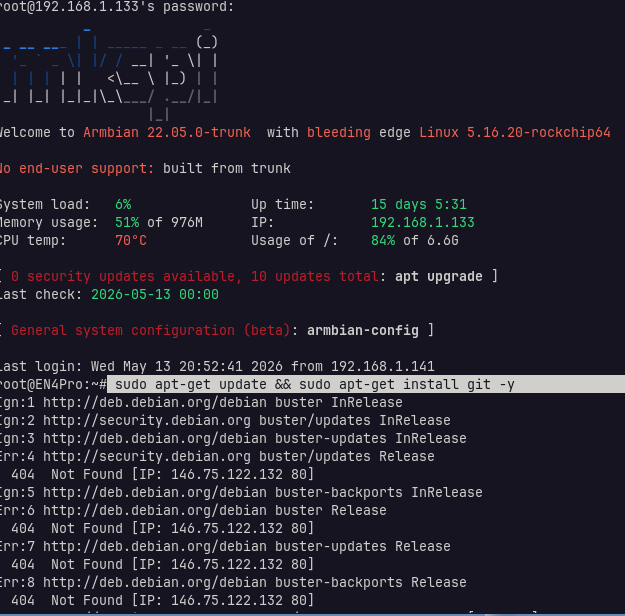
Wait until the installation is completed.
¶ Continue With Python Fix Steps
After completing the steps above, continue with the Python fix guide below

To resolve the Python 3.8 or higher is not installed error, please follow the steps below.
1. Access your printer's ssh.
ID: ssh mks@<printer_ip>
PASSWORD: makerbase
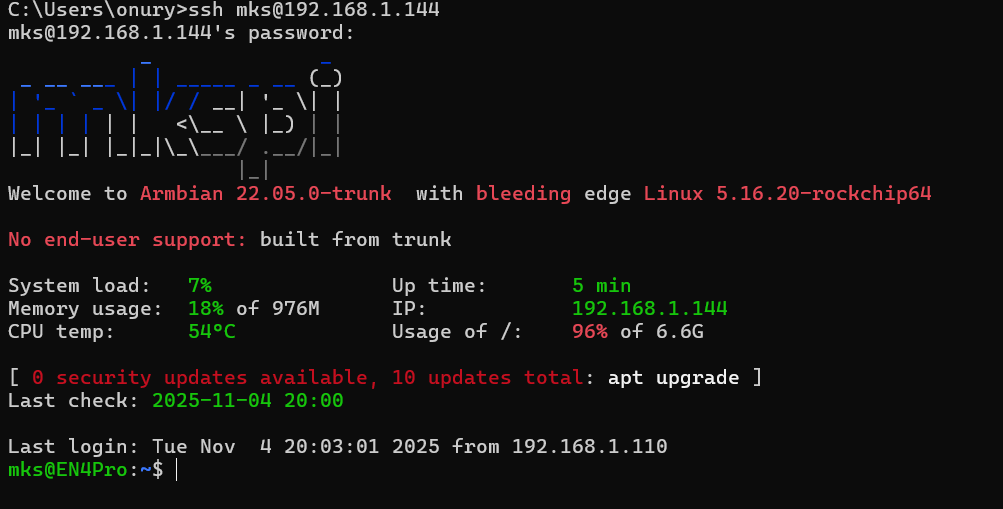
- Type the command cd kiauh and press enter.

- Type the command
git checkout v5
and press enter.

- Type the command
cd ..
and press enter.

- Finally, you can access kiauh by typing the
./kiauh/kiauh.sh